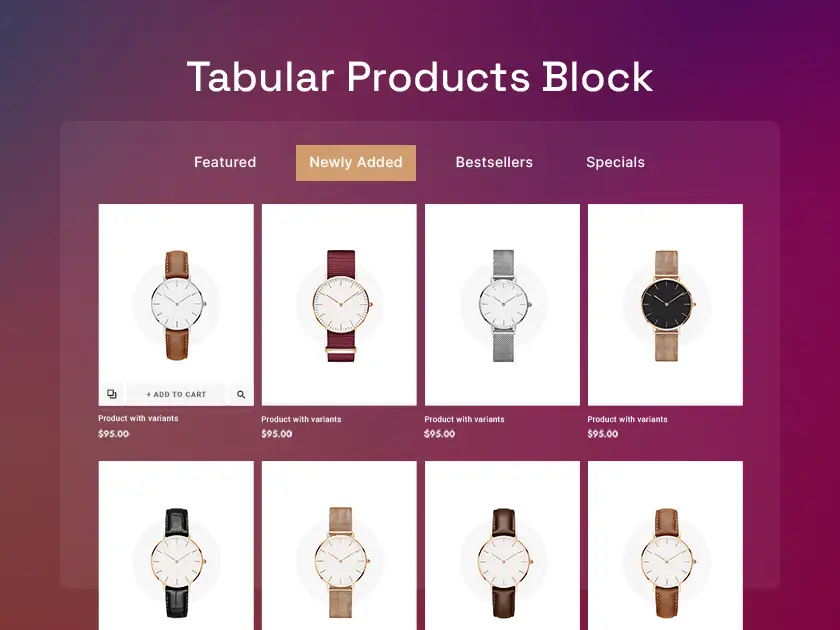
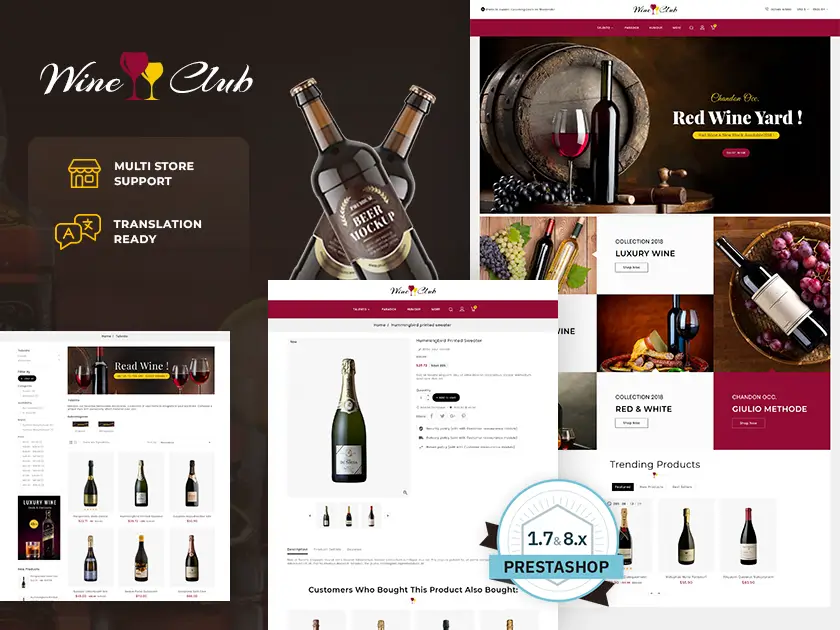
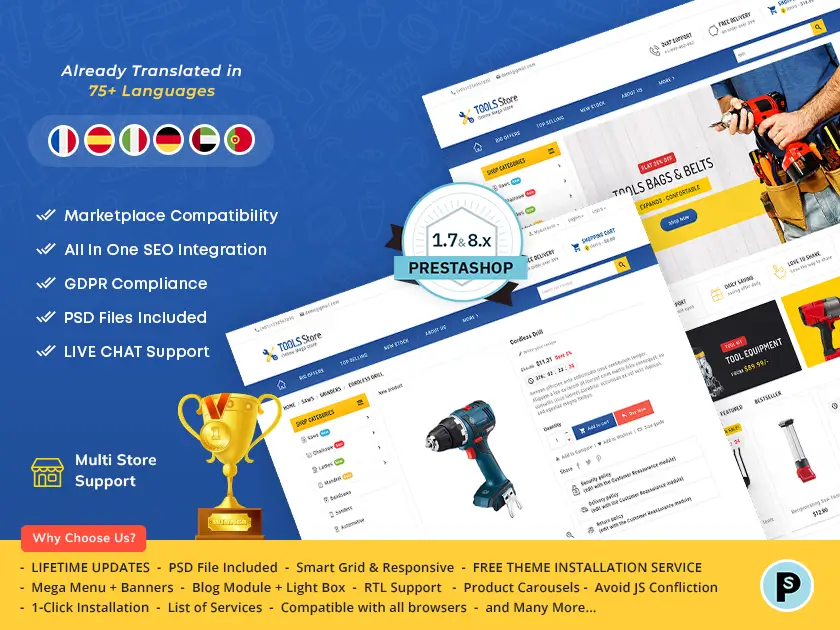
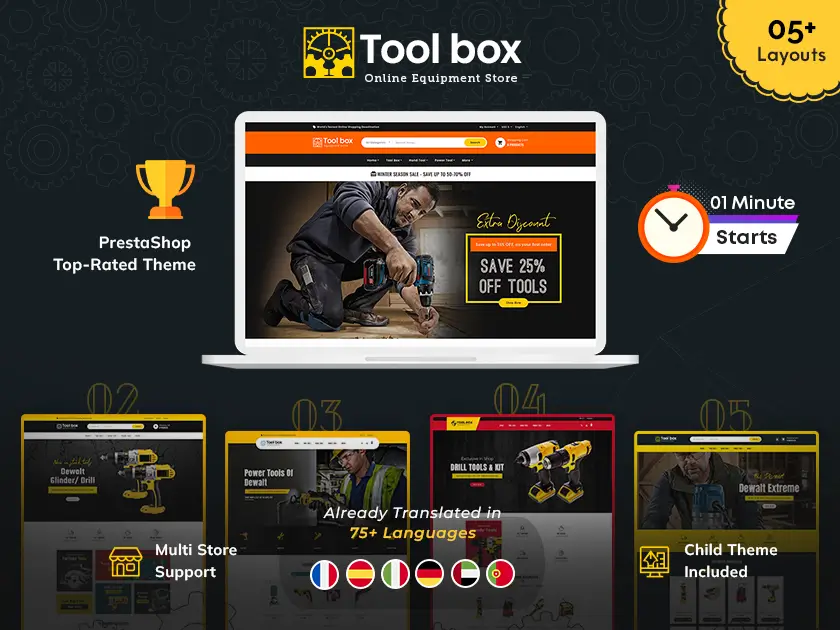
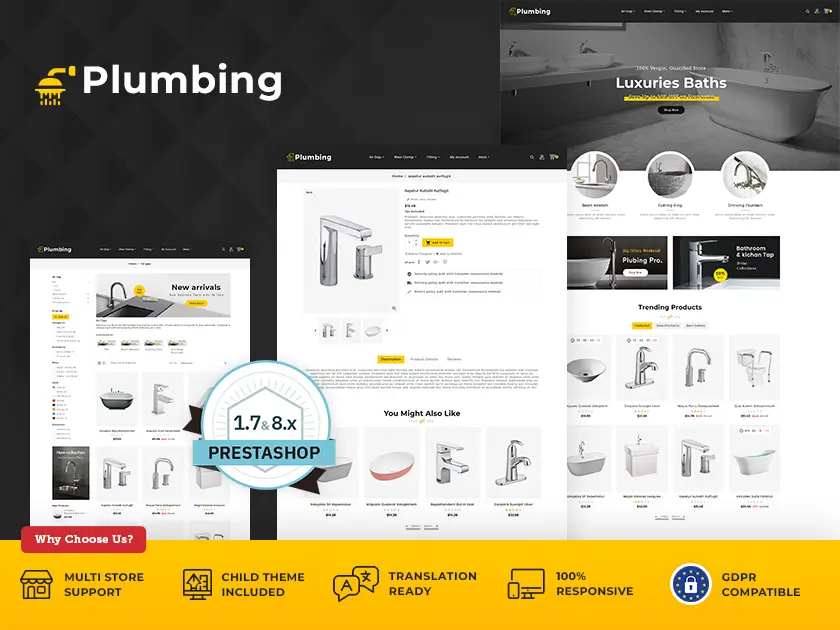
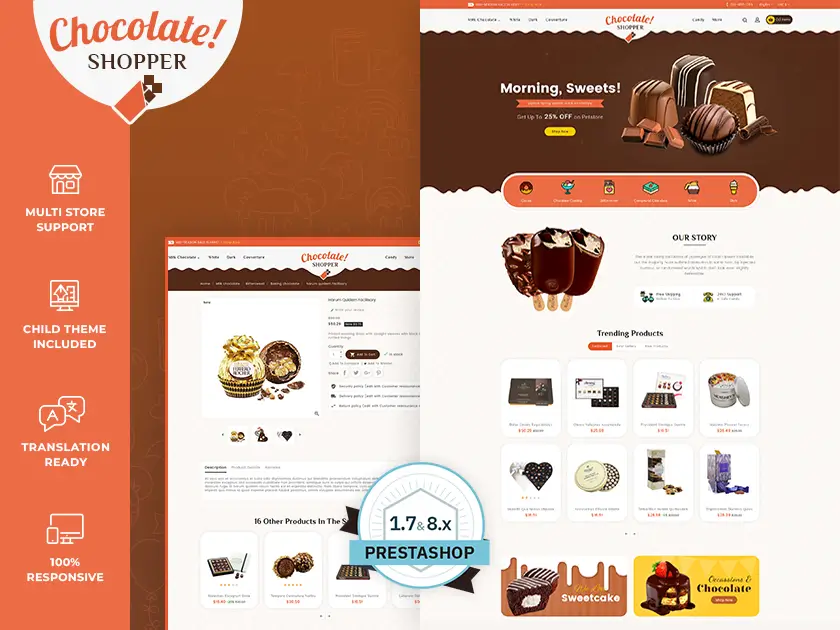
Improve engagement, effortlessly showcase products, and customize your PrestaShop store's appearance with the versatile Tabular Products Block module. This powerful tool is designed to improve product visibility and streamline user experience across your store.
Increase Engagement with the Tabular Products Block
The Tabular Products Block module allows you to create customizable tabs within your PrestaShop store, enabling you to display a variety of product selections. This is an excellent way to showcase featured products, new arrivals, or specific categories, making it easier for customers to discover what they are looking for.
Key Features of the Tabular Products Block
- Create Custom Tabs: Easily add and manage tabs directly from your PrestaShop admin panel. You can customize tab names to communicate clearly with your customers, enhancing their browsing experience.
- Display Flexibility: Choose how to display products within each tab. Options include displaying the latest products, best-selling products, or those from specific categories. This flexibility allows you to present products in the most effective way possible.
- Customization Options: Tailor the look and feel of the Tabular Products Block to match your store’s design. You can control the tab’s position, colour scheme, font styles, and much more to create a unique and professional design.
- Mobile Responsiveness: Ensure that your Tabular Products Block displays perfectly across all devices, including desktops, tablets, and smartphones. This is crucial for providing a seamless user experience across multiple platforms.
Installation Guide for Tabular Products Block
The Tabular Products Block module offers a simple installation process through the PrestaShop admin panel. Here's a step-by-step guide:
1. Access Module Upload Section
- Log into your PrestaShop admin panel.
- Navigate to the "Modules" section (this might be located under the "Improve" tab depending on your PrestaShop version).
2. Upload the Module File
- Look for a section labeled "Add a new module" or similar.
- You will see two options: "Upload a module" and "Add from PrestaShop Addons." Choose "Upload a module."
3. Automatic Installation
- Once you select the file, PrestaShop will automatically begin the upload and installation process.
- You might see a progress bar or notification during this stage.
Why Choose the Tabular Products Block Module?
Using the Tabular Products Block module allows you to:
- Increase product visibility and encourage customers to explore different product categories.
- Promote featured products or new arrivals in a prominent location on your store’s homepage or product pages.
- Create custom product groupings that cater to specific customer needs or interests.
- Improve the overall look and feel of your PrestaShop store with a professional and visually appealing tabbed product display.
Additional Considerations for the Tabular Products Block
- Short Video Demonstration: A short video showcasing the functionality of the Tabular Products Block can engage potential customers and provide them with a clear understanding of how it works.
- Customer Testimonials: Including positive testimonials from satisfied customers can add credibility and social proof to your offering.
- Pricing and Compatibility Information: Clearly outline the pricing structure for the Tabular Products Block module and any compatibility details with different PrestaShop versions.
By incorporating the Tabular Products Block module into your PrestaShop store, you’ll enhance user engagement, improve product discovery, and create a more organized and aesthetically pleasing online shopping experience for your customers.
Installation
- For easy to install theme we have included theme-installer and step-by-step detailed documentation (in English)
- Still, it is not done perfectly; please feel free to contact the support team at support.templatetrip.com.
- All images are copyrighted to their respective owners. Images used in live preview are not usable without their respective owner's permission.
Support System
- Our technical experts are continuously online to help you to make your store dream store.
- All of your requests and issues will be processed by our experts within 24-48 hours max.