For a limited time, take 20% off any new website plan.

Close

PrestaShop Modules

Close Icon

Price

Filter Icon

Showing 1 - 13 of 13 results

The Advertising Block module for PrestaShop is a powerful tool designed to boost your online store’s visibility by managing and displaying ads effectively. It allows merchants to create customizable ad blocks, including promotions, banners, and special offers, with ease. With features like scheduled display, performance tracking, responsive design, and seamless PrestaShop integration, this module simplifies ad campaign management. Perfect for boosting engagement, it ensures ads are visually appealing and optimized for all devices.

$ 28.78
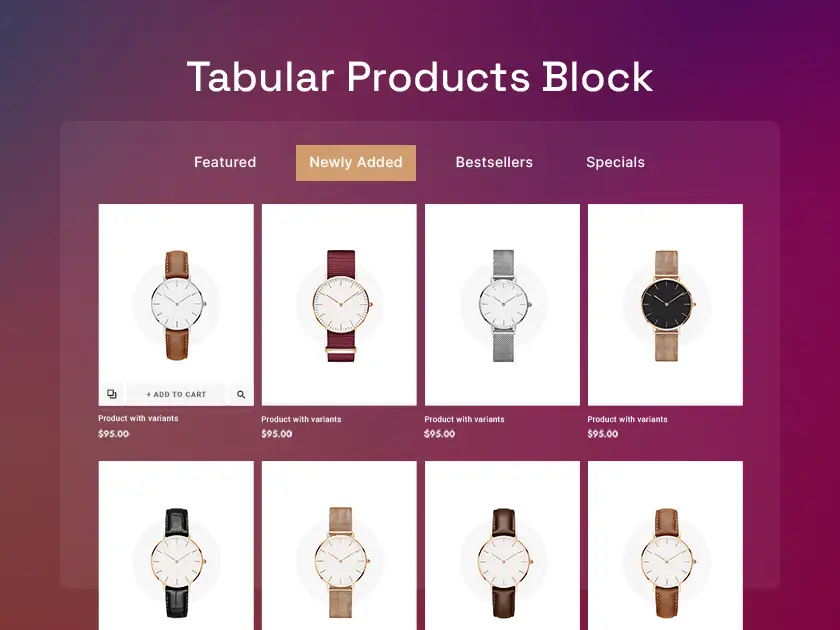
Boost your PrestaShop store’s engagement and product visibility with the Tabular Products Block module. Effortlessly organize and display your products in customizable tabs, enhancing product discovery and user experience. With flexible display options, easy customization, and mobile responsiveness, this module is a must-have for any store owner.

$ 38.70

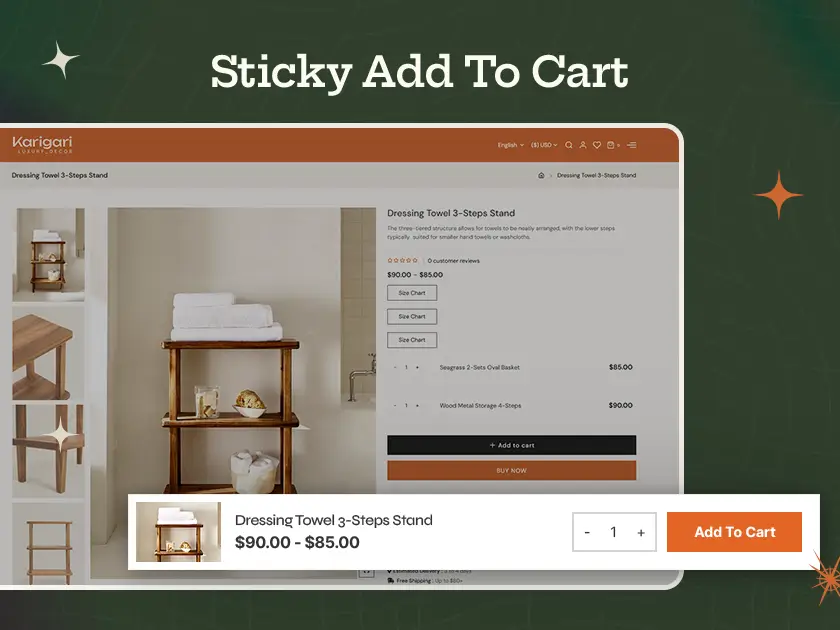
Boost your PrestaShop store’s sales with the Sticky Add to Cart module! This powerful tool keeps the “Add to Cart” button visible as customers scroll, enhancing their shopping experience. With customizable design, seamless installation, and improved conversion rates, it’s the ultimate solution to reduce cart abandonment and increase impulse purchases.

$ 38.70

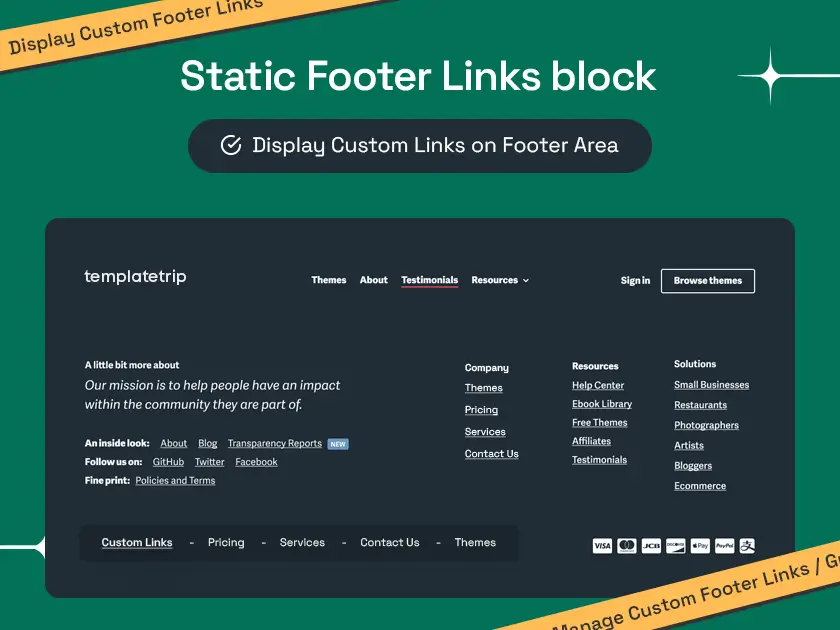
The Static Footer Links Block – PrestaShop Module is a powerful tool that enhances your online store’s footer. It allows you to easily add important static links, improving both user experience and SEO. This simple module is fully customizable, mobile-friendly, and quick to install, making it a must-have for any PrestaShop store.

$ 38.70
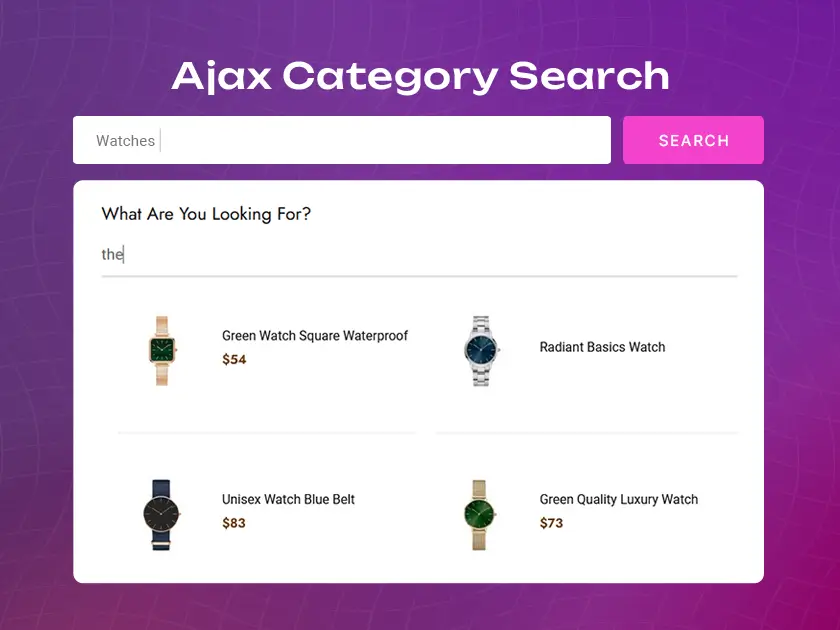
Boost your PrestaShop store’s performance with TemplateTrip’s Ajax Category Search Module! Deliver faster, smoother, and more relevant search results without page reloads. Improve user satisfaction with live search, category filters, and auto-complete features, ensuring a modern, interactive shopping experience that increases sales and keeps your customers coming back.

$ 38.70
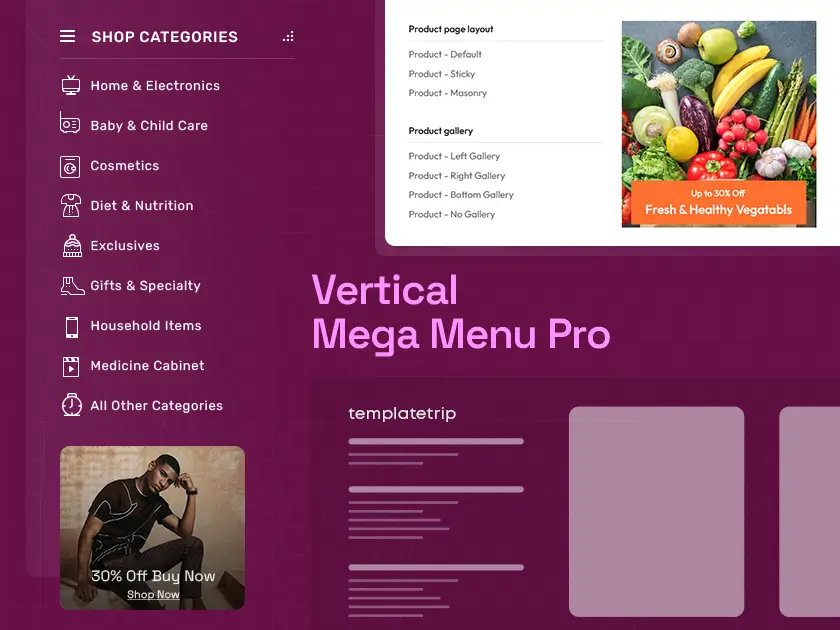
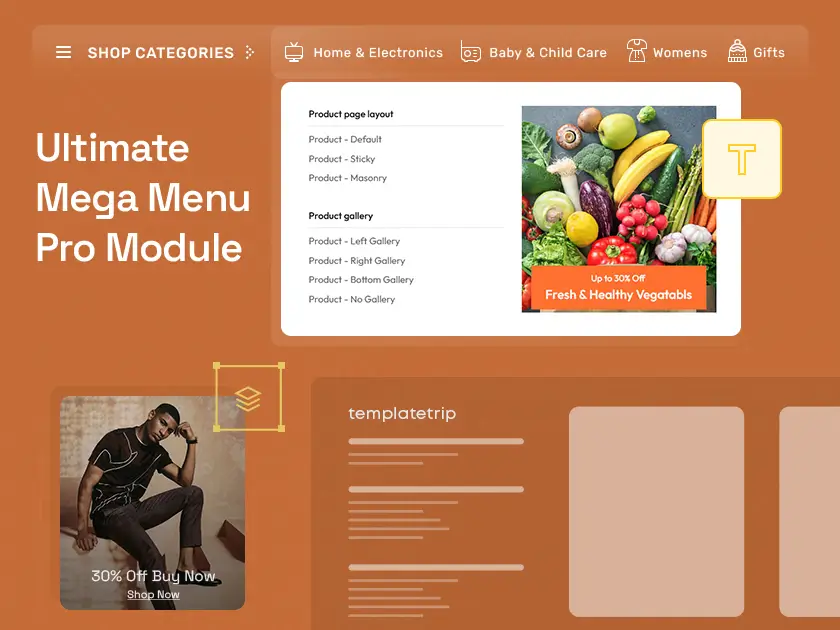
Looking to Improve your PrestaShop store’s navigation? The Vertical Mega Menu Pro is the ultimate solution! This powerful module helps you create sleek, customizable vertical menus, making it easy for customers to find products quickly. Boost user experience, improve sales, and transform your store with this must-have PrestaShop tool.

$ 58.55
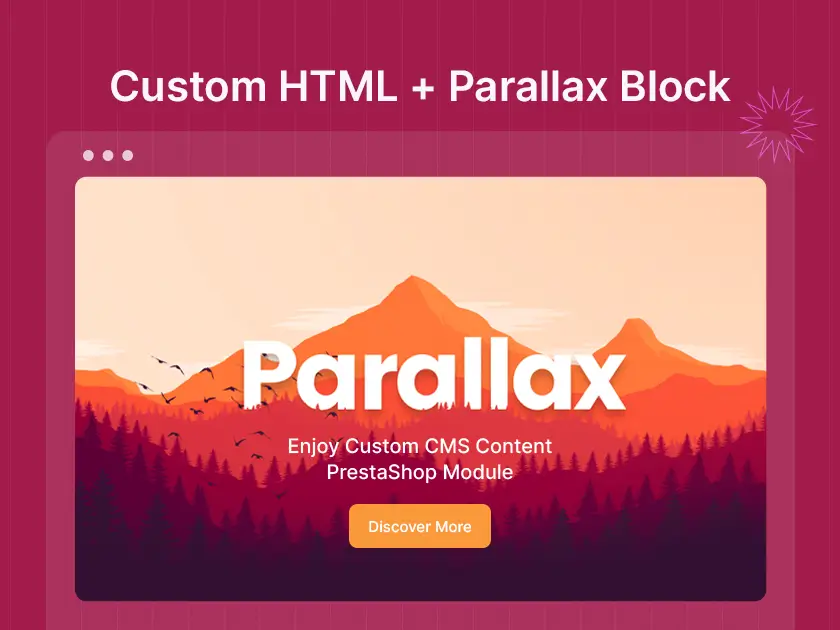
Transform your PrestaShop store with the Custom Content Parallax Block module, offering stunning parallax effects for a dynamic and engaging user experience. Effortlessly customize backgrounds, integrate captivating visuals, and enhance CMS pages with immersive scrolling features. This powerful tool elevates your site’s design, making it visually striking and user-friendly.

$ 48.63
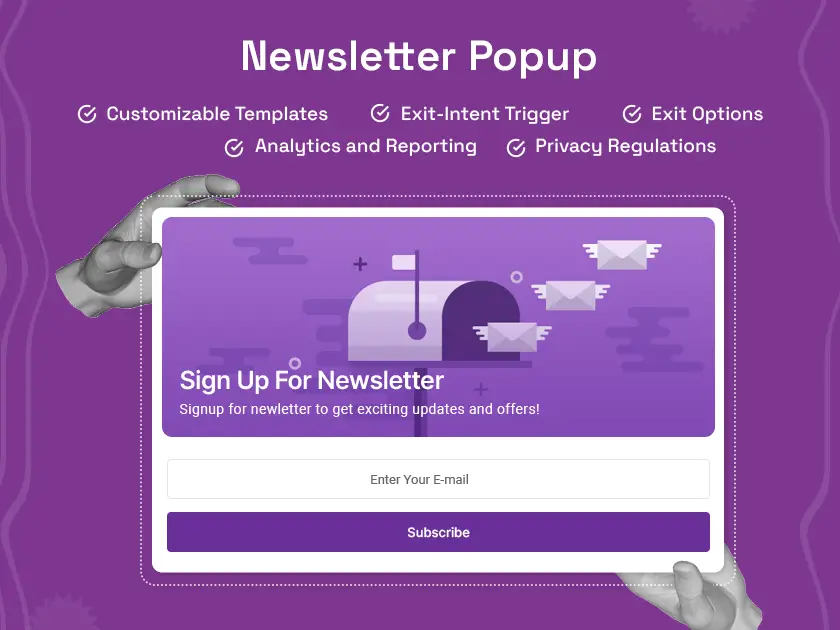
The Newsletter Popup – PrestaShop Module is the perfect tool to grow your store’s audience and boost sales. With customizable popups, responsive design, and email list integration, it helps you engage visitors, collect leads, and turn them into loyal customers effortlessly.

$ 48.63

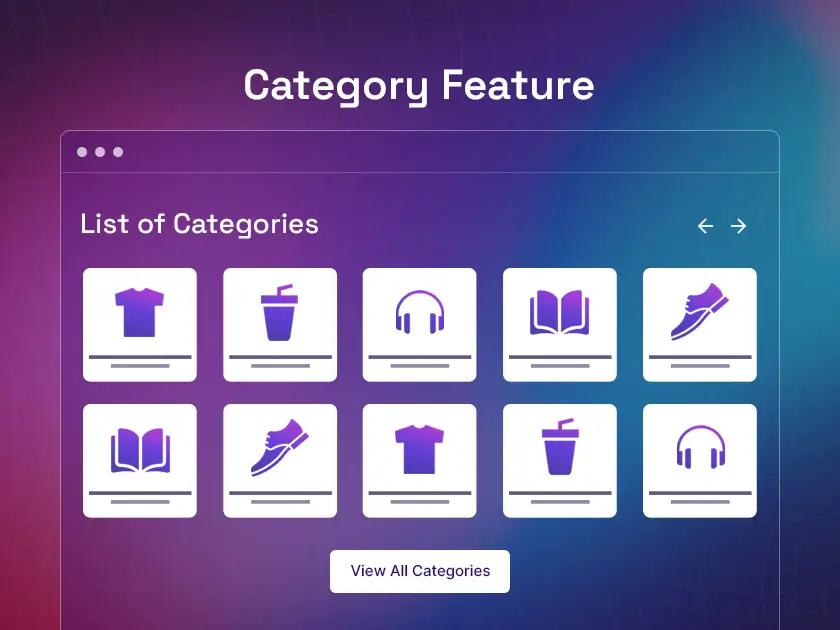
The Category Feature Block – PrestaShop Module is a powerful tool designed to boost your store’s navigation and product visibility. This easy-to-install module helps you showcase key product categories on your homepage, boosting customer engagement and driving sales. With full customization options and SEO optimization, it’s the perfect solution to make your PrestaShop store stand out.

$ 38.70
The Megamenu module is a top-rated PrestaShop solution designed to enhance website navigation. With advanced customization, sleek design, and mobile responsiveness, it simplifies the browsing experience for users. Its drag-and-drop functionality, support for vertical and horizontal menus, and extensive documentation make it an essential tool for creating intuitive, visually appealing, and user-friendly menus.

$ 58.55

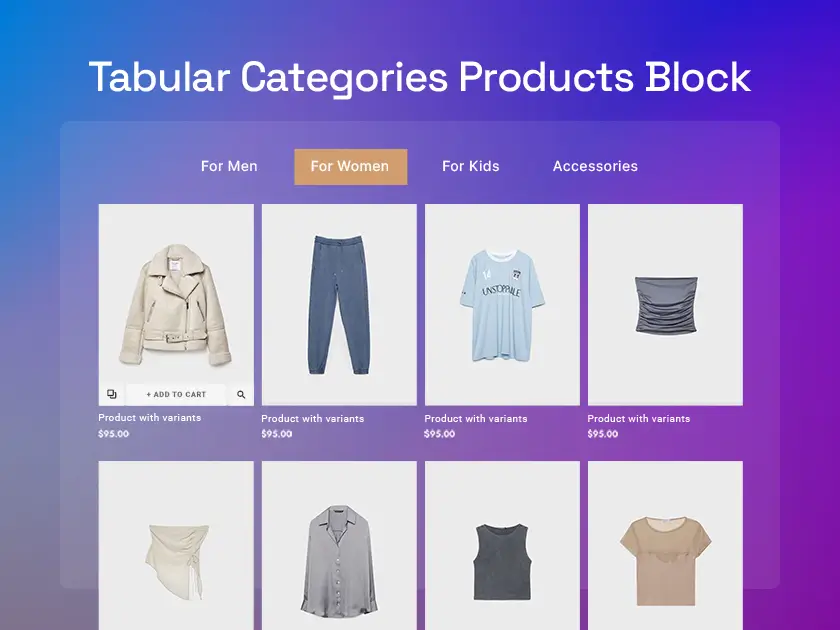
The Tabular Category Products Block is a powerful PrestaShop module designed to enhance your online store’s layout. It displays products in a clean, organized table format, making it easier for customers to browse and compare items. With customizable features and fast performance, it’s an essential tool for boosting your store’s efficiency.

$ 48.63
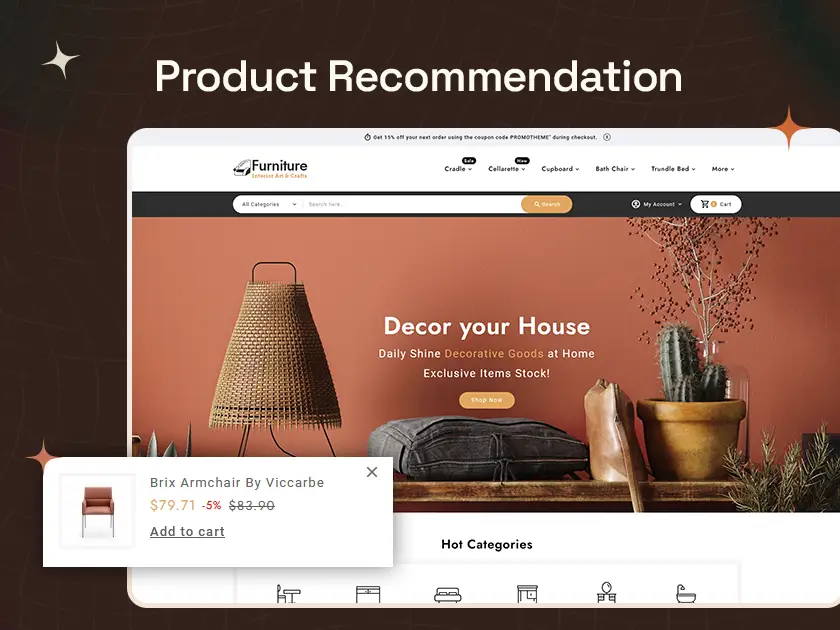
The Product Recommendations Widget – PrestaShop Module is a must-have tool for boosting sales on your online store. It displays personalized product suggestions, enhancing the shopping experience for customers. With its customizable design, mobile-friendly layout, and real-time updates, this module helps maximize conversions while keeping your store fast and efficient.

$ 48.63

The Cookie Bar EU Compliances Module makes sure your PrestaShop store complies with EU cookie legislation. It features a configurable design, multi-language support, GDPR compliance, automatic updates, and simple installation. This responsive, secure, and performance-optimized module makes it simple to increase user confidence, protect data, and improve the customer experience.

$ 48.63

About PrestaShop Modules

Built for PrestaShop modules for your ecommerce store! PrestaShop extension is based on modules, which are small programs that use PrestaShop functions and change or add to them to make PrestaShop more user-friendly or adapted to the merchant’s needs. PrestaShop modules are made up of a primary PHP file and as many other PHP files as are required, as well as the template (.tpl) files and assets (images, JavaScript, CSS, and so on) required to display the module’s interface, whether to the customer (on the front end) or the merchant (on the backend). Any PrestaShop modules, once installed on an online store, can communicate with one or more “hooks”. Hooks allow you to hook/attach your code to the current View during code parsing (for example, when displaying the cart or product sheet, the current stock, and such). A hook is a shortcut to the many techniques available from the Modules object that has been allocated to it. Modules are an excellent place for a developer’s talent and vision to shine, as the creative possibilities are limitless and the PrestaShop module API allows you to accomplish almost anything. Modules could:
  • Extend or alter current PrestaShop features, such as adding a form field, a block of text, or an independent component, without affecting the PrestaShop files.
  • This enables merchants to update their shops without having to apply your modifications twice.
  • Create new entirely autonomous features (such as a new screen).
  • Perform a task, such as batch updating, importing, or exporting.
  • Facilitate interactions between the shop and other services.
  • Be as configurable as necessary – The more flexible it is, the more possible it will be able to meet the needs of a larger number of people.
PrestaShop 1.7 was designed so that modules made for PS 1.6 can function virtually unchanged, except for minor adjustments and a cosmetic update, and template files that need to be adapted to the 1.7 default theme. The primary module development changes in PrestaShop 1.7 are detailed in this Build post and incorporated into this updated documentation. If you already know how to construct a module that works with PS 1.6, we strongly recommend that you study it from beginning to end to keep up with 1.7 development. Some native modules’ names have changed in PrestaShop 1.7.

Installing and Uninstalling the PrestaShop Modules

The module should handle:
  • It will install itself as well as one or more carriers.
  • It’s uninstalling and “deletion” of one or more carriers.
Note on deletion:
  • Deleting a carrier simply deactivates it (deleted = true).
  • The module must maintain the link between an old order and a carrier that is no longer available.
  • Be careful: the default carrier must exist and be activated.
Creating tests is a key component of the modules lifecycle. They allow us to spend less time on reviews, avoid redundant checks that a human could overlook, and increase overall code quality. In PrestaShop, we intend to evaluate the features of our modules using a combination of unit and functional tests. We let you choose whatever frameworks work best for you, but we also supply certain tools that you can utilize on future projects.

Top Key Features of PrestaShop Modules

1. Extensibility and Customization

Modular Structure
PrestaShop modules are meant to add or alter existing functionalities without altering the core PrestaShop scripts.
Flexible Configuration
Modules can be modified to match the unique demands of different merchants, resulting in a fully customizable system.

2. Hook System

Code Attachment
Modules can communicate with one or more hooks, allowing developers to attach code to specific sections of the PrestaShop interface while the code is being parsed.
Versatility
This approach enables the smooth integration of new capabilities such as forms, text blocks, and even standalone components.

3. Autonomy

Independent Features
Modules can generate completely new and autonomous features, such as additional screens or functionalities that work independently of the PrestaShop structure.
Task Automation
They can also automate a variety of processes, including batch updating, importing, and exporting data.

4. User-friendly interfaces

Front and Backend
Modules provide the required assets (images, JavaScript, CSS) and template files (.tpl) to ensure proper presentation on both the customer-facing front end and the merchant-facing back end.

5. Compatibility and Upgradeability

Backwards Compatibility
PrestaShop 1.7 ensures that modules written for version 1.6 function with minimal changes, mostly requiring cosmetic adjustments and template file adaptations.
Future-Proof
Continuous updates and documentation enable developers to keep up with new versions, assuring continued compatibility and functionality.

6. Installation and Uninstallation

Easy Management
Modules manage their own installation and uninstallation operations, including configuring and uninstalling related carriers.
Data Integrity
Even if a carrier is deleted, the module keeps track of before orders to guarantee that crucial past information is not lost.

7. Testing and Quality Assurance

Automated Testing
PrestaShop promotes the establishment of unit and functional tests to maintain excellent code quality and save the time spent on human reviews.
Framework Flexibility
Developers can choose their preferred testing frameworks, which are supported by PrestaShop’s tools.

8. Collaboration

Service Integration
Modules allow interactions between the PrestaShop store and external services, hence increasing the store’s capabilities via third-party integrations.

9. Developer Empowerment

Creative Possibilities
The PrestaShop module API is comprehensive, allowing developers to implement almost any functionality they choose.
Documentation and Resources
Extensive documentation and community assistance allow developers to design unique and effective solutions.
Modules can be installed directly from PrestaShop’s back desk. Click on the “Modules” area, select “Add a new module,” upload the module’s zip file, and then click “Install.” The module will manage its installation, including any required setups or adapters.
In PrestaShop, hooks are code points to which modules may attach their capabilities. When a given event or page is processed, the hooks allow the module’s code to run, allowing for the seamless integration of new features such as additional form fields, text blocks, or completely new components.
Yes, PrestaShop 1.7 is intended to ensure that modules developed for version 1.6 work with minimal adjustments. Compatibility is typically achieved by cosmetic modifications and template file adjustments.
To uninstall a module, navigate to the “Modules” area of the back office, choose the module you wish to remove, and then click the “Uninstall” button. This operation will disable the module and delete its associated functionality while preserving the data integrity of existing orders and carriers.
Modules offer extension and customisation, allowing merchants to add or modify functionality without affecting the core PrestaShop code. They allow autonomous feature development, task automation, and seamless connection with third-party systems. Modules also provide a user-friendly interface while remaining compatible with future PrestaShop versions.